GCP Training
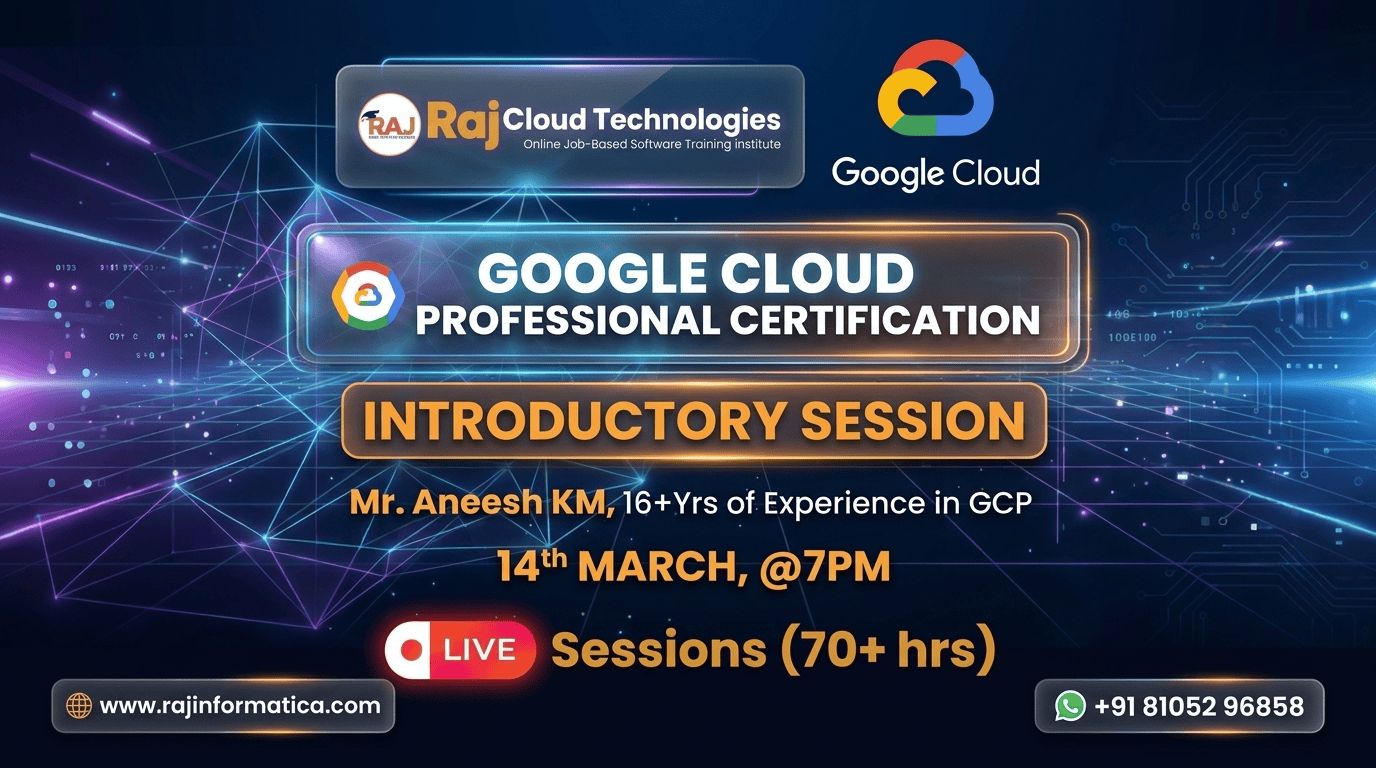
Google Cloud is the fastest-growing of the three major clouds — and GCP-certified engineers earn ₹10-25 LPA at mid-level. This two-month program covers the GCP services data + ML engineers use every day: Compute Engine, BigQuery, Dataflow, Pub/Sub, Dataproc, Cloud Composer (Airflow), Vertex AI, plus IAM and networking. Built around the Professional Data Engineer and Professional Cloud Architect certifications — pass either and you become significantly more hireable in 2026's GCP-growing market.
What you'll learn
- Architect production data pipelines on GCP end-to-end
- Run analytics at scale on BigQuery — handle petabyte queries efficiently
- Build streaming pipelines with Dataflow + Pub/Sub
- Train + deploy ML models on Vertex AI with full lifecycle support
- Orchestrate workflows with Cloud Composer (managed Airflow)
- Implement IAM + VPC + Cloud Load Balancing for production systems
- Optimise GCP bills with the right service + tier choices
- Pass GCP Professional Data Engineer OR Professional Cloud Architect
- Land GCP Data Engineer / Cloud Engineer roles paying ₹10-25 LPA
Technologies Taught
Course Unique Features
- Hands-on labs on real GCP accounts (free-tier compatible)
- Cover data engineering + ML workloads in parallel
- Build 4 production-grade GCP projects — pipelines + ML deployment
- Daily 90-minute live class with live GCP console walkthroughs
- Professional Data Engineer + Professional Cloud Architect prep included
- Cost optimisation patterns — every GCP service has cost levers
- Trained by GCP Professional-certified instructors with 10+ years experience
- Mock interviews covering services + system design + cost analysis
- Resume + LinkedIn polish for GCP roles
- Direct intros to GCP-first companies actively hiring
You Can Work As
Upcoming In-Demand Jobs
Course Curriculum
Why Cloud? And why GCP?
12 topics
Why Cloud? And why GCP?
- •What is traditional IT environment and how it works
- •Servers, storage, network in traditional IT
- •What is cloud computing?
- •Basic architecture of cloud computing
- •Difference between traditional IT and Cloud computing
- •Advantages of cloud computing
- •Deployment Model and service model
- •SAAS, PAAS and IAAS
- •Private, Public and hybrid Cloud
- •Why google cloud? And its exclusive benefits
- •GCP locations
- •Gartners Magic quadrant and market share
Cloud Computing and Basic Concepts
8 topics
Cloud Computing and Basic Concepts
- •Overview of different cloud service providers
- •Understanding regions and availability zones
- •Exploring Google Cloud Platform (GCP) interfaces
- •Introduction to Google Cloud Shell (Hands-on Lab)
- •Step-by-step guide to creating a GCP account
- •GCP Console walkthrough and navigation (Hands-on Lab)
- •Managing organizations, folders, projects, and resources
- •Configuring billing and setting up alerts (Hands-on Lab)
IAM (Identity and Access Management)
8 topics
IAM (Identity and Access Management)
- •Fundamental concepts of Identity and Access Management (IAM)
- •Overview of organizations, roles, members, service accounts, and policies
- •Understanding Google Cloud's resource hierarchy
- •Exploring different IAM roles and permissions
- •Best practices for IAM implementation
- •Assigning roles and conducting hands-on testing (Lab)
- •Creating service accounts and assigning roles (Lab)
- •Practice questions for review
Compute Engine
18 topics
Compute Engine
- •Introduction to Virtual Machines (VMs)
- •Lifecycle of VM instances
- •Various access options for VMs
- •Creating Linux and Windows VM instances (Hands-on Lab)
- •Different machine types and configurations
- •Spot (Preemptible) instances and sole-tenant VMs
- •Understanding VM images
- •Overview of machine images
- •Live migration and automatic restart of VMs
- •Types of storage: Local SSD, persistent disk, and balanced persistent disk
- •Deleting a VM and recreating it using a disk (Hands-on Lab)
- •Understanding and managing snapshots
- •Configuring firewall rules
- •Pricing structure and available discounts
- •Creating snapshots and setting up snapshot schedules (Hands-on Lab)
- •Recovering VMs using snapshots (Hands-on Lab)
- •Performing Compute Engine tasks in Cloud Shell (Hands-on Lab)
- •Practice questions for review
Storage: Google Cloud Storage (GCS)
13 topics
Storage: Google Cloud Storage (GCS)
- •Introduction to Object Storage (Google Cloud Storage – GCS)
- •Key features and use cases of GCS
- •Understanding the structure of GCS
- •Bucket naming conventions and best practices
- •Creating a storage bucket and uploading objects (Hands-on Lab)
- •Configuring IAM roles and ACL permissions for buckets (Hands-on Lab)
- •Exploring different storage classes in GCS
- •Implementing object versioning
- •Managing lifecycle policies for storage optimization
- •Understanding GCS pricing model
- •Hands-on practice with versioning and lifecycle policies (Lab)
- •Using GCS via gcloud commands (Hands-on Lab)
- •Practice questions for review
Load Balancing and Autoscaling
9 topics
Load Balancing and Autoscaling
- •Introduction to GCP Load Balancing and Its Features
- •Various Types of Load Balancers in Google Cloud
- •Differences Between Global and Regional Load Balancers
- •Understanding Internal and External Load Balancers
- •Overview of Internal and External HTTPS Load Balancing
- •Key Components of a Load Balancer
- •Auto Scaling: Concepts and Benefits
- •Managed vs. Unmanaged Instance Groups
- •Hands-on Lab: Setting Up an External HTTP Global Load Balancer with Auto Scaling
VPC (Virtual Private Cloud)
10 topics
VPC (Virtual Private Cloud)
- •Introduction to Virtual Private Cloud (VPC) and Its Features
- •Types of VPC: Default, Auto Mode, and Custom VPC
- •Key Components of a VPC
- •Understanding Internal and External IPs
- •Routing in VPC: How Routes Work
- •Firewall Rules and Their Configurations
- •Overview of Shared VPC and Its Benefits
- •VPC Peering: Concepts and Use Cases
- •NAT Gateway: Functionality and Configuration
- •VPC Pricing Structure and Cost Considerations
Project 1 – VPC and Compute Engine
8 topics
Project 1 – VPC and Compute Engine
- •Creating an Auto Mode VPC
- •Setting Up a Custom VPC
- •Configuring and Managing Subnets
- •Deploying VM Instances Across Different Subnets
- •Implementing Firewall Rules for Security
- •Establishing VPC Peering for Network Connectivity
- •Setting Up a NAT Gateway for Internet Access
- •Practice Questions for Hands-on Learning
Cloud SQL
10 topics
Cloud SQL
- •Introduction to Relational and Non-Relational Databases
- •Types of Cloud SQL Databases
- •Cloud MySQL: Features and Use Cases
- •Cloud PostgreSQL: Overview and Benefits
- •SQL Server in the Cloud
- •High Availability (HA) in SQL Databases
- •Creating a Cloud SQL Instance (Hands-on Lab)
- •Setting Up a High-Availability (HA) SQL Instance (Hands-on Lab)
- •Understanding Replication in Cloud SQL
- •Backup Strategies and Best Practices
Cloud Spanner
6 topics
Cloud Spanner
- •Introduction to Cloud Spanner
- •Comparison with Traditional Databases
- •Key Features and Benefits
- •Architecture: Regional vs. Global
- •Understanding Replication in Cloud Spanner
- •Backup and Restore Strategies
Big Data and Other Database / Storage Services
14 topics
Big Data and Other Database / Storage Services
- •Understanding the Firestore Data Model
- •Data Structure: Documents and Collections
- •Overview and Key Features
- •Use Cases and Benefits
- •Notable Customers and Applications
- •Challenges in Traditional Data Handling
- •Overview and Features of Bigtable
- •Use Cases and Real-World Applications
- •Introduction to Data Warehousing
- •Key Features and Benefits
- •Pricing Considerations
- •Introduction to Data Streaming
- •Architecture and Working of Dataflow
- •Key Features
Course Instructed By
16+ years of industry experience and 7+ years training experience in Google Cloud and Linux. Core Skills: Google Cloud, AWS, DevOps, Redhat Linux, Networking, Solaris, Storage/Datacenter. Approved trainer by Raj Cloud Technologies.
Approved trainer by Raj Cloud Technologies
Course content
Lifetime access
Watch at your own pace
Certificate included
On 100% completion
Q&A community
Ask anything, get answers
One-time payment. Lifetime access.
Ask anything about this course
Curriculum, fees, schedule, EMI options — drop your question and our admissions team replies within one business day.
- 0 on-demand lessons
- Lifetime access
- Certificate of completion